Fix Your WFH Setup Today
Your home office setup matters more than you might think. Spending eight hours a day at a poorly configured desk can leave you with neck pain, eye strain, and back problems that follow you long after you clock out. The good news is that most of these problems are fixable with a few simple adjustments—no expensive furniture required. Here are five changes you can make today to transform your WFH experience.
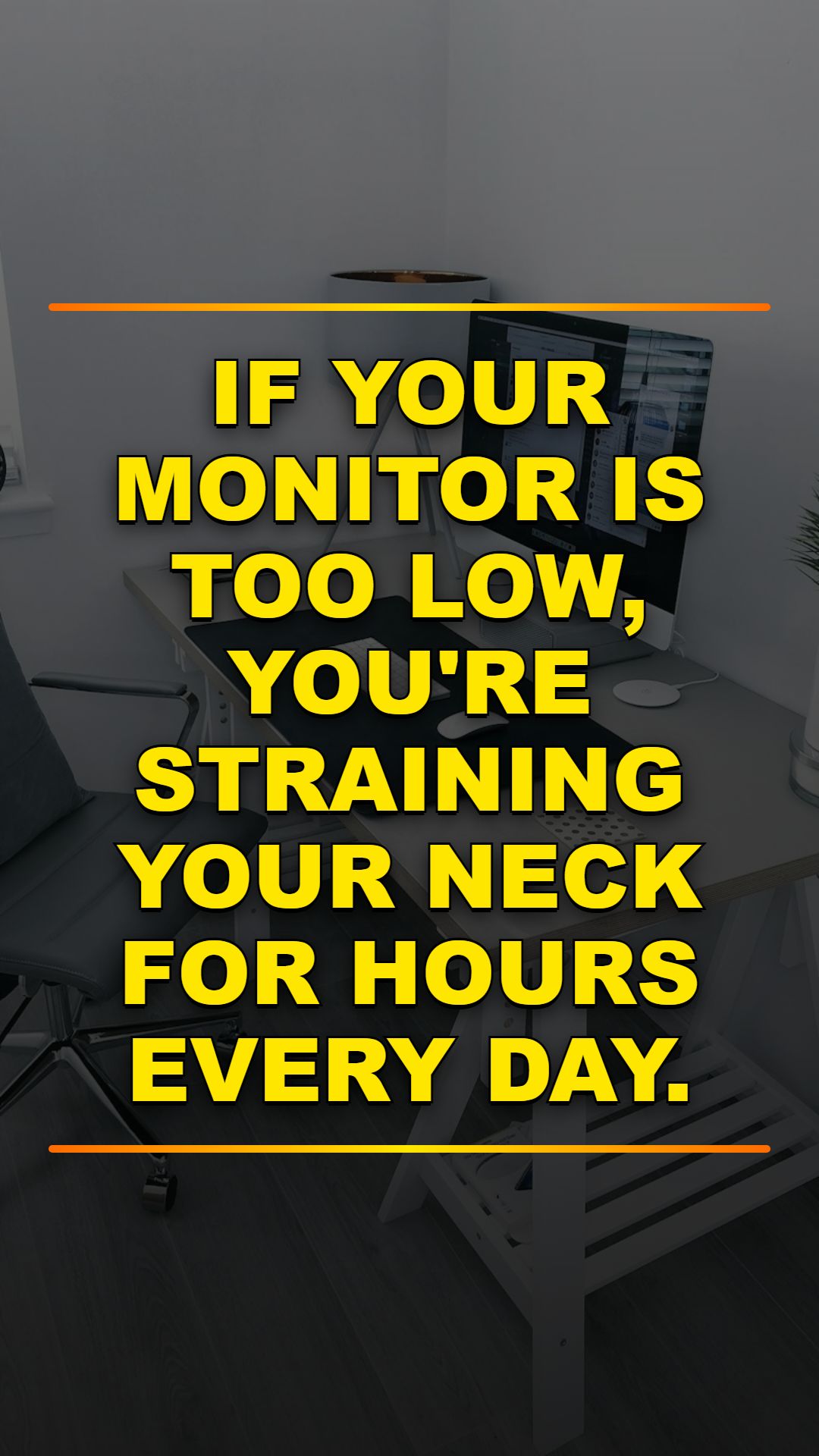
1 Position Monitor at Eye Level
A monitor that's too low forces you to crane your neck downward, which creates tension in your upper back and shoulders over time. The sweet spot is to have the top edge of your screen at or just below eye level, positioned about 20 to 28 inches away from your face. You can use a monitor riser, a stack of books, or an adjustable stand to reach the right height—the key is getting it off your desk surface so you're looking slightly upward or straight ahead, not down.
2 Light Your Video Calls Correctly
Bad lighting makes you look worse on camera and strains your eyes during video meetings. Never position yourself with a bright window directly behind you, as it will render you as a dark silhouette to everyone else. Instead, face the light source or add a ring light with a warm white bulb (around 3000 to 4000K) to the side of your desk—this flatters your face and keeps shadows minimal without the harsh effect of overhead lighting alone.
3 Keep Cables Organized and Hidden
A tangle of power cables, USB wires, and adapter cords isn't just unsightly; it's genuinely dangerous. Loose cables create tripping hazards, make it harder to clean your workspace, and can damage equipment if they snag or get pinched. Use an under-desk cable tray and velcro straps to bundle and lift all your cords away from the floor—this takes about 30 minutes to set up and makes a huge difference in both safety and aesthetics.
4 Perfect Your Ergonomic Chair Setup
Even the best chair won't help if it's not adjusted properly. Your elbows should bend at a 90 to 110 degree angle when your hands are on the keyboard, and your wrists should stay straight to avoid strain. Adjust your seat height so your feet rest flat on the floor and your knees are level with your hips—if your chair is too high, use a footrest to maintain proper alignment.
5 Build a 5-Minute End-of-Day Routine
How you end your workday sets the tone for your evening and the next morning. Spend five minutes clearing loose papers, organizing your pens and supplies, and wiping down your desk surface. Close out all your browser tabs and applications so you start fresh the next day without digital clutter—this small ritual creates a mental boundary between work and personal time, and your future self will thank you for the clean slate.
Your home office is where you spend a third of your day, so it deserves attention. These five fixes address the most common WFH pain points: posture, visibility, safety, comfort, and mental clarity. Start with the change that bothers you most, then work through the rest. You'll notice the difference in your energy, focus, and physical comfort within just a few days.